Love it! Works great! Has some minor flaws but everything does in life. Recommend trying it out for sure today!
M. LEE
Windows 11,10,8 ; macOS 10-14
Watch everything that’s happening on your PC while you are away! Use any device, anywhere in the world!
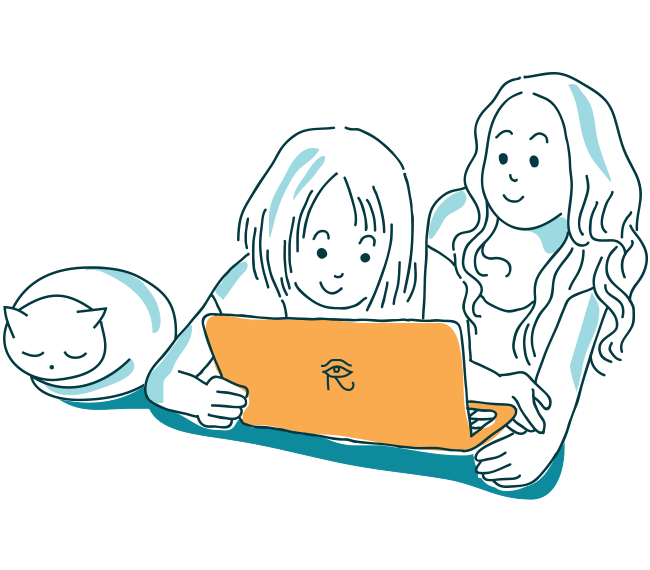
Computers are everywhere including your kids’ bedroom. They tempt with unlimited communication opportunities via a wide range of social networks, chats, forums and other online resources. But can your kids handle the online environment safely without your help?
Blocking Web sites does not work with teenage kids. Want to help? Learn what your kids are up to and talk. REFOG Personal Monitor will help you learn how much tome your kids use their computer to play and to learn, who they chat with and who approaches them via social networks.
REFOG Personal Monitor collects and analyzes your kids’ activities such as chatting, browsing, launching apps or playing games. Access this data from anywhere in the world by signing in online with your login and password. Use your computer, tablet or smartphone to check what your kids are up to!
Windows 11,10,8 ; macOS 10-14


Love it! Works great! Has some minor flaws but everything does in life. Recommend trying it out for sure today!
M. LEE

Personal Monitor is the best solution I've found to track my kids computer usage. Basically anything they can do on the computer, REFOG can make note of it. Its sophistication coupled with its ease of configuration make it a home run for its intended usage.
ROBIN S.

This product is wonderful. We only have one computer at home, and I warned my kids they’re being watched. I never bothered to actually check what’s captures, but the little keylogger icon is always there, reminding my kids to behave.
J. ABRAMS

I have two teenagers spending most of their time before their computers. I had no clue what they were doing there! Thanks to your child monitor, I feel I am back in control now without them even knowing.
K. JOHNSON