Love it! Works great! Has some minor flaws but everything does in life. Recommend trying it out for sure today!
Ultimate computer monitoring software for Windows
Windows 11,10,8
Watch everything that's happening on your PC while you are away! Use any device, anywhere in the world!
Your Family Safety Under Your Control
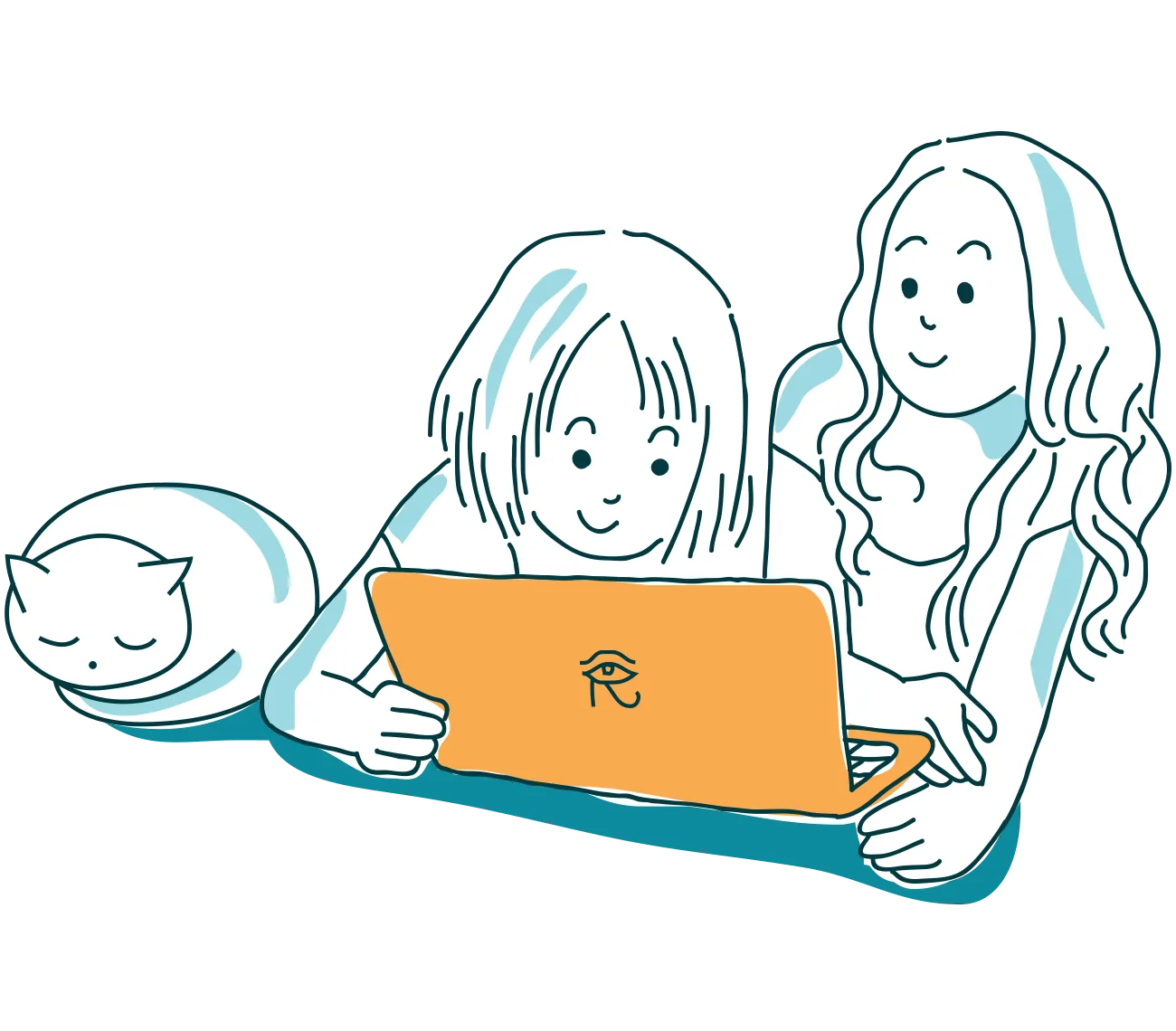
Computers are everywhere including your kids' bedroom. They tempt with unlimited communication opportunities via a wide range of social networks, chats, forums and other online resources. But can your kids handle the online environment safely without your help?
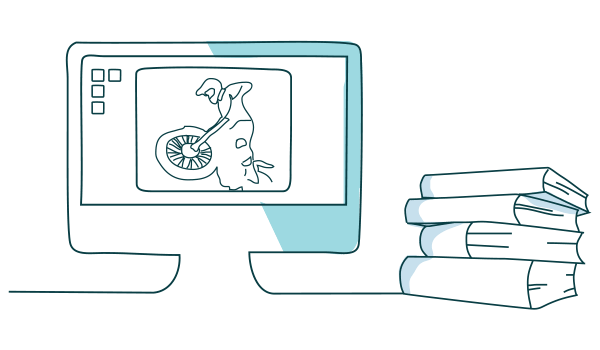
Help Your Kids by Watching Their Back
Blocking Web sites does not work with teenage kids. Want to help? Learn what your kids are up to and talk. REFOG Personal Monitor will help you learn how much time your kids use their computer to play and to learn, who they chat with and who approaches them via social networks.
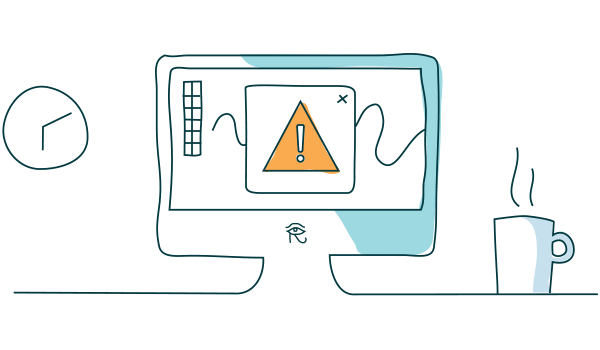
Full Control from Any Place, Any Device
REFOG Personal Monitor collects and analyzes your kids' activities such as chatting, browsing, launching apps or playing games. Access this data from anywhere in the world by signing in online with your login and password. Use your computer, tablet or smartphone to check what your kids are up to!
Your piece of mind is just one click away Download REFOG Personal Monitor and try it free for 3 days!
Windows 11,10,8
100,000+ users in 100+ countries...
-

-

Personal Monitor is the best solution I've found to track my kids computer usage. Basically anything they can do on the computer, REFOG can make note of it. Its sophistication coupled with its ease of configuration make it a home run for its intended usage.
-

This product is wonderful. We only have one computer at home, and I warned my kids they're being watched. I never bothered to actually check what's captures, but the little monitoring icon is always there, reminding my kids to behave.
-

I have two teenagers spending most of their time before their computers. I had no clue what they were doing there! Thanks to your child monitor, I feel I am back in control now — and we've talked about it openly.
Questions Parents Ask About Refog Personal Monitor
Is it legal to use Refog Personal Monitor to monitor my child’s computer? 

Yes — in the United States, the United Kingdom, Canada, Australia, and most of the EU, parents have the legal right to monitor a minor child’s computer activity using software like Refog. Refog is built specifically for family use on computers you own. Refog is intended only for monitoring your own minor child or a disclosed, consenting employee. If your child is 18 or older they are an adult — install Refog only on a device you own and with their consent — and Refog must never be installed on a device belonging to another adult without their knowledge and consent.
Does Refog Personal Monitor work on Windows 11 and Windows 10?
Refog Personal Monitor works on Windows 11, Windows 10, and Windows 8.1/8. Captured data syncs to your private online dashboard, so you can review your child’s activity from any browser on any device. Installation takes about five minutes per computer and supports both 32-bit and 64-bit systems.
What exactly does Refog Personal Monitor record?
Refog Personal Monitor records typed text, visited websites, search queries, chat and social media messages, application usage, clipboard contents, and periodic screenshots of the screen. All events are timestamped and grouped by user, so you can see exactly when each activity happened. Refog also captures search terms typed into Google, YouTube, and other engines, which helps parents notice risky interests early. Logs upload automatically to your private online dashboard.
Will my child know Refog Personal Monitor is installed?
By default Refog runs visibly with an on-screen indicator so your child knows monitoring is active — the open, transparent approach many family therapists recommend. For younger children, an optional discreet mode is available on a computer you own, after you have disclosed monitoring within your household. Only you, with your password, can open the local settings panel using a configured hotkey, or you can review everything remotely through the Refog online dashboard from any browser.
Is there a free trial of Refog Personal Monitor?
Yes — Refog Personal Monitor comes with a free 3-day trial that unlocks every feature, with no credit card required to start. During the trial you can record typed text, visited websites, and chats and review them in the online dashboard, exactly as paid users do. When the 3 days end, a subscription keeps recording, screenshots, social media monitoring, and dashboard access running; without one, recording stops.
How do I install Refog Personal Monitor on my child’s computer?
Installing Refog Personal Monitor takes about five minutes and requires one-time physical access to your child’s computer. You download the installer from refog.com, run it with administrator rights, sign in with your Refog account, and the program starts capturing activity. Refog runs visibly by default, with an optional discreet mode for younger children on a device you own. From that moment on, you check everything remotely from your phone, tablet, or another computer through the online dashboard — no further access to the monitored PC is needed.
How can I respect my teenager’s privacy while keeping them safe with Refog?
Refog Personal Monitor gives you the option to look without forcing you to micromanage. Many parents use Refog as a safety net rather than a spotlight — they don’t read every message, they just watch for red flags such as new contacts, late-night activity, or concerning search terms. The choice of how often to check, and when to talk openly with your teenager about monitoring, stays entirely in your hands.